A recipe catalog by country, and AI recipes from what's already in your kitchen.
iPhone · iPad
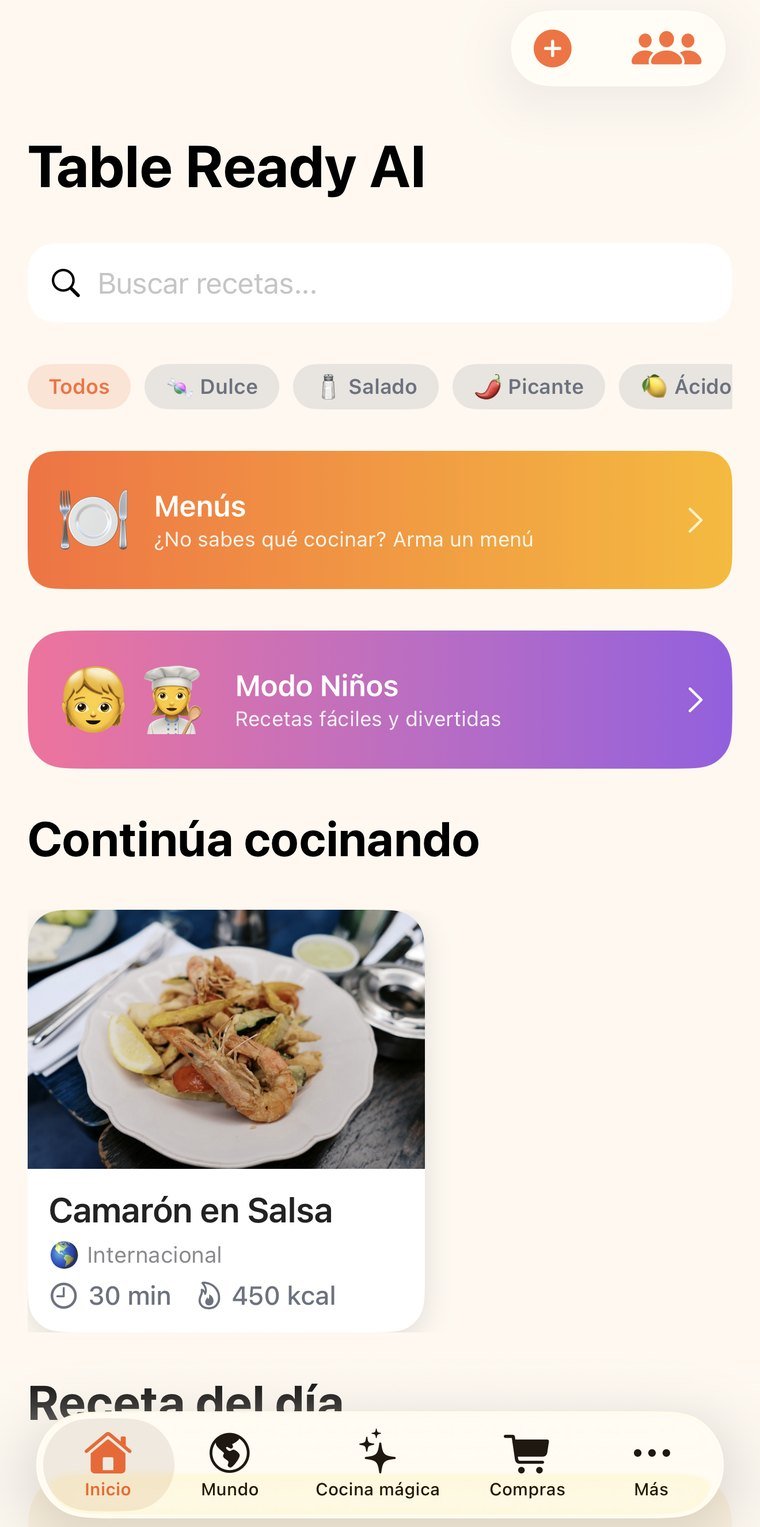
Real screenshots, not mockups. Tap any of them to see it full size; arrows move between them, Esc closes.
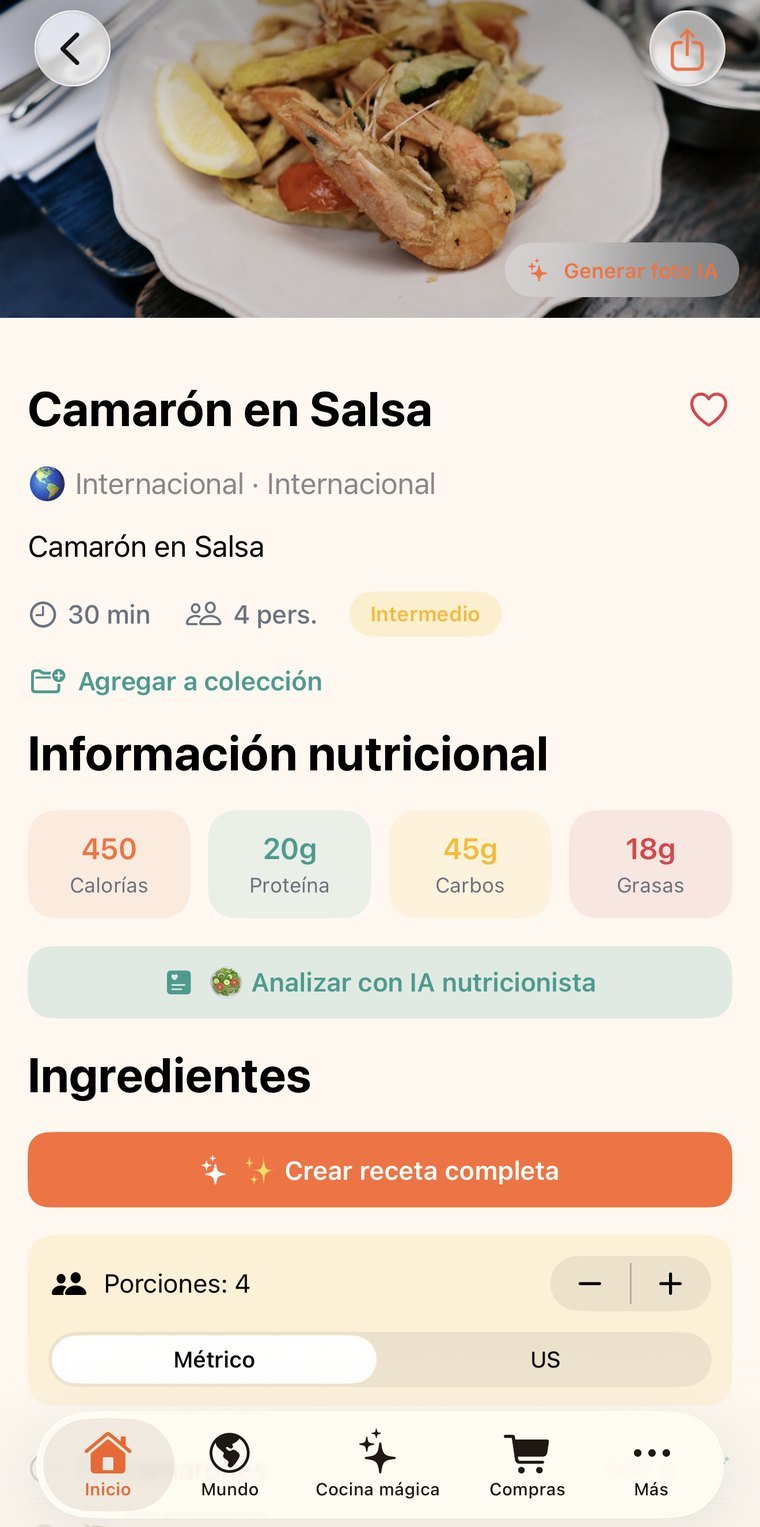
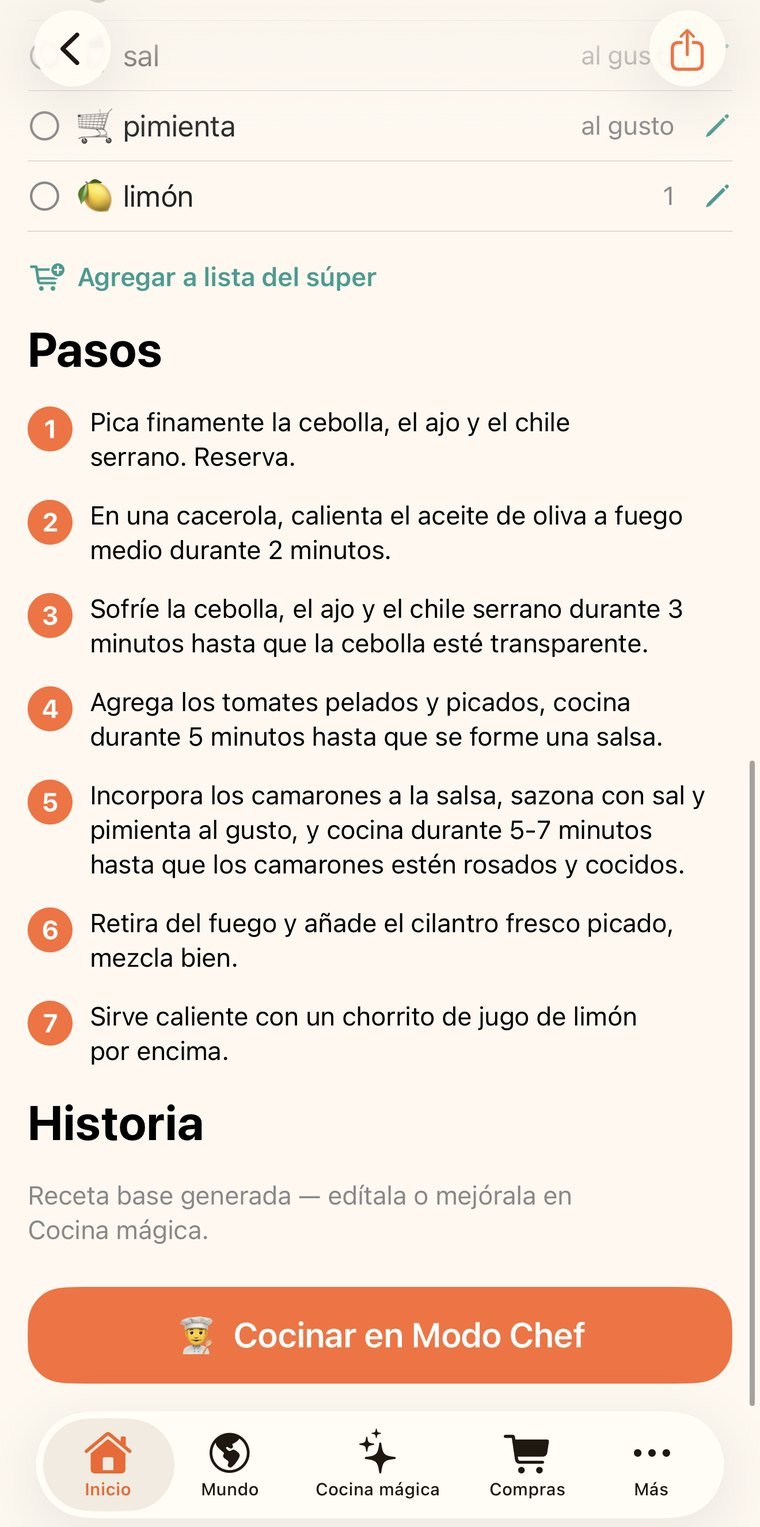

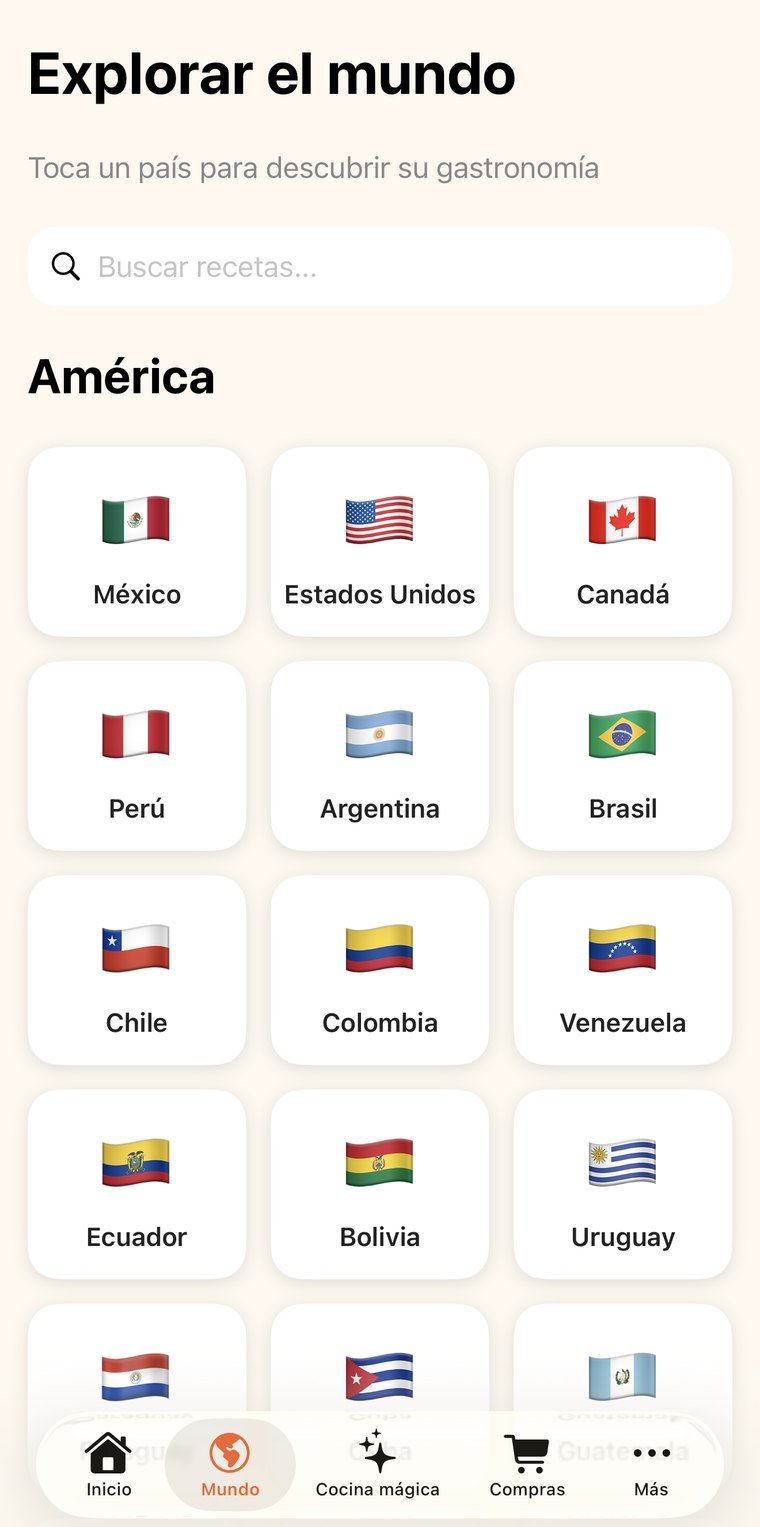
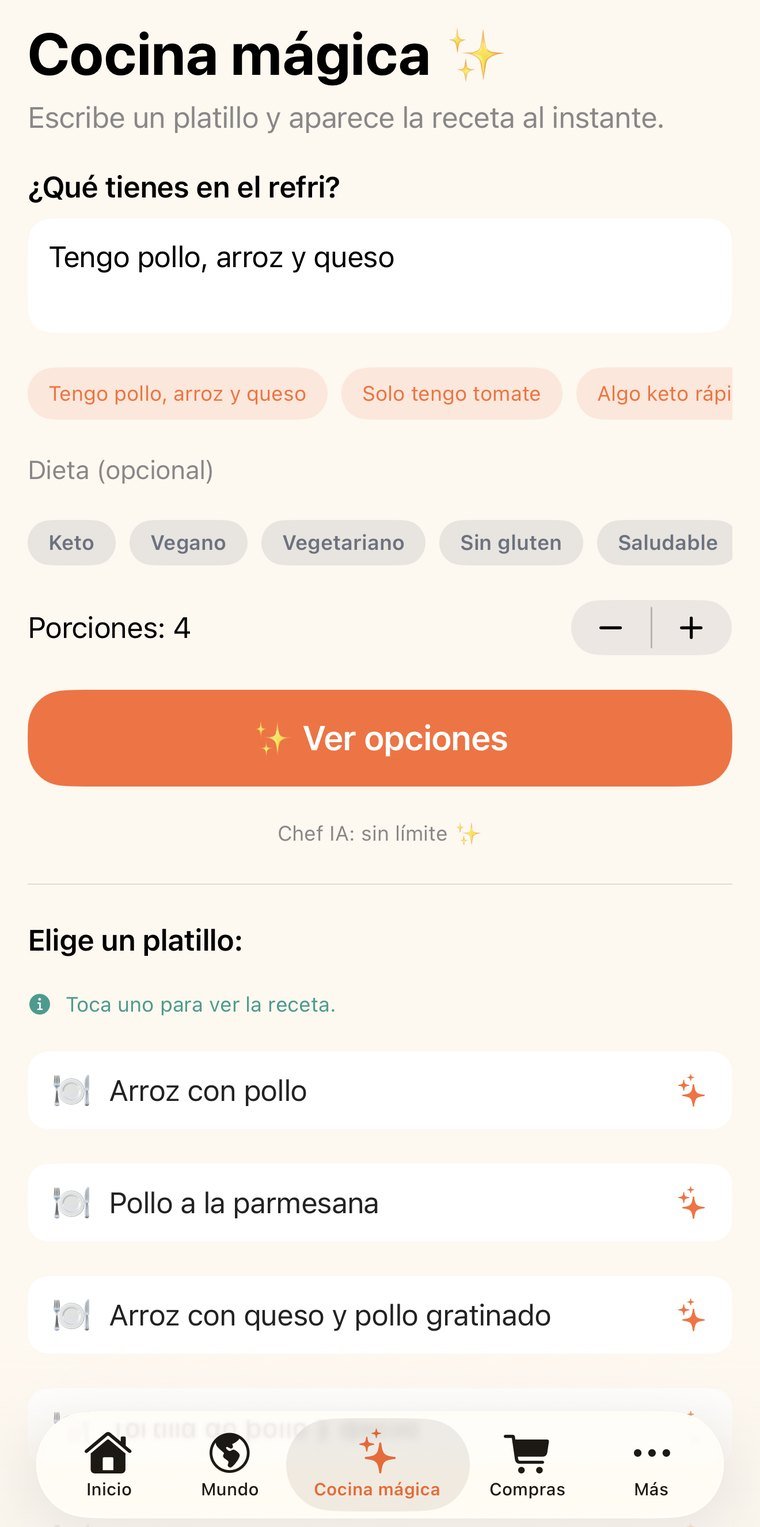
The seven-o'clock question isn't where to find recipes: it's what to do with what's already in the fridge. You type in the ingredients and first you get specific dishes by name, free; only the one you pick gets generated in full, with cooking times and a shopping list.
Cooking from different countries with real photos, searchable and savable into your own collections.
Type in what you have and eight specific dishes come back at no cost; pick one and the full recipe is generated, with steps and cooking times.
The list builds itself from the recipe and menus are planned by week, so you shop once instead of three times.
Share recipes with family or with the kitchen team, with messages, photos and moderation.
A Home plan for the account holder plus two, a Restaurant plan for the holder plus four. Invitations go out by email from the app.
Spanish, English, Portuguese, French and Italian across the interface, the recipe content and what the AI writes.
No new account, nothing to install: you sign in with the same email and password as the app and see your information on a big screen. Useful for reviewing, showing someone something, or printing without passing screenshots around.
The email and password you already use. If you don't remember it, the reset email goes out from that same screen.
My recipes, favorites, collections, groups…
The session lives only in that tab and is erased when you close it. If you signed in on a borrowed computer, nothing is left behind.
The web is for reading; entry happens in the app. Two places writing at once is how information stops reconciling and changes get lost — we'd rather that simply couldn't happen.
Permissions are enforced server-side, not by the page. From the browser you can't reach information that isn't yours, even if someone tries by hand.
Group chat lives in the app; here you consult the recipe book.
For households where more than one person cooks, and for small restaurant kitchens that need one shared recipe book.